Garage
Keep every car with its mileage, engine and specs. Swipe between cars on the home screen.
 Werq
Werq
Werq keeps your garage in your pocket. See what is due next, log fuel and service, keep track of inspection and insurance dates, and ask Werq about the cars you actually own.
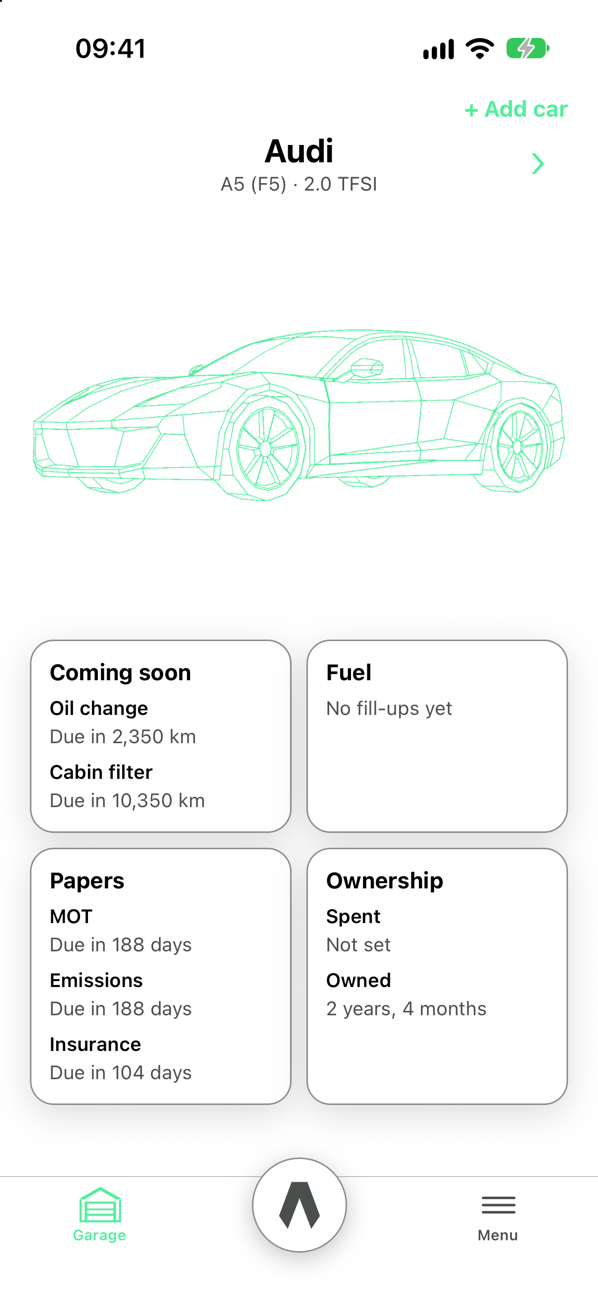
What is due, what did I set, and when do the papers run out.
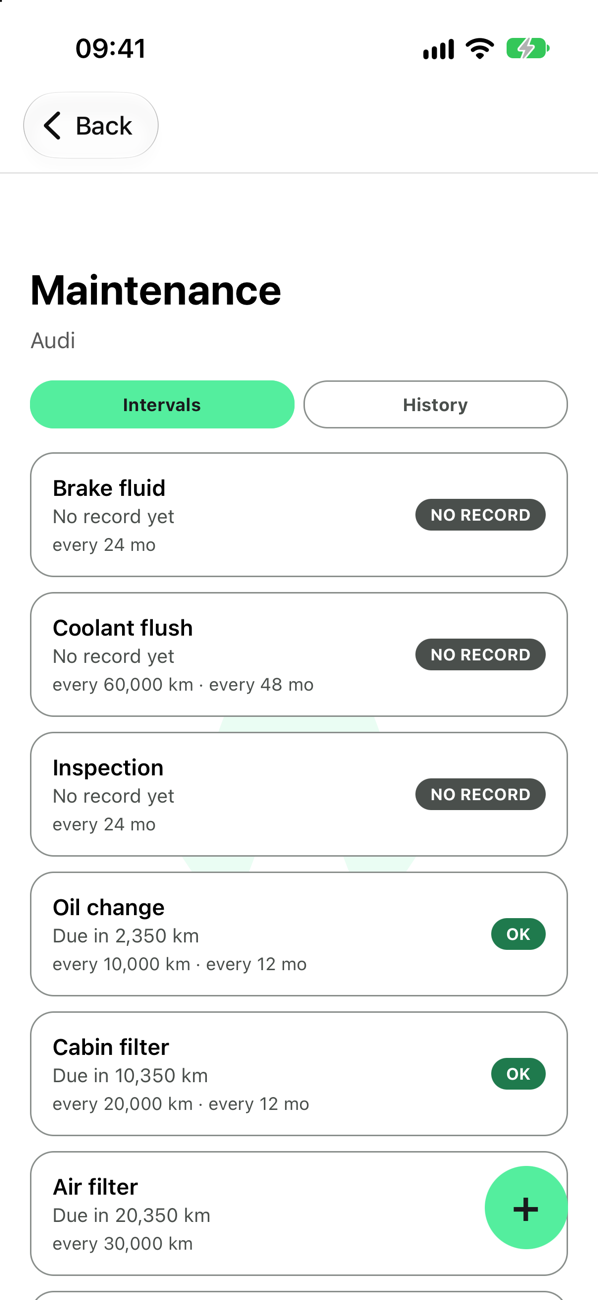
Every job you track, with the kilometres or months left until it is due.
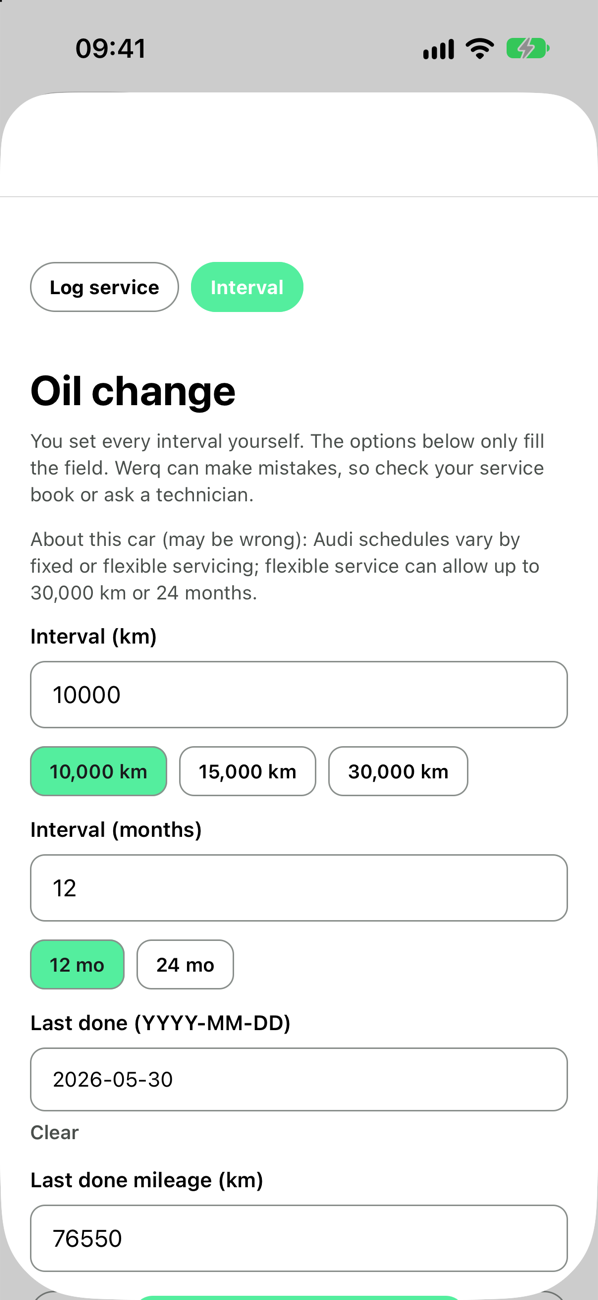
You set the interval for each job, in kilometres, months, or both. Tap an option or type your own.
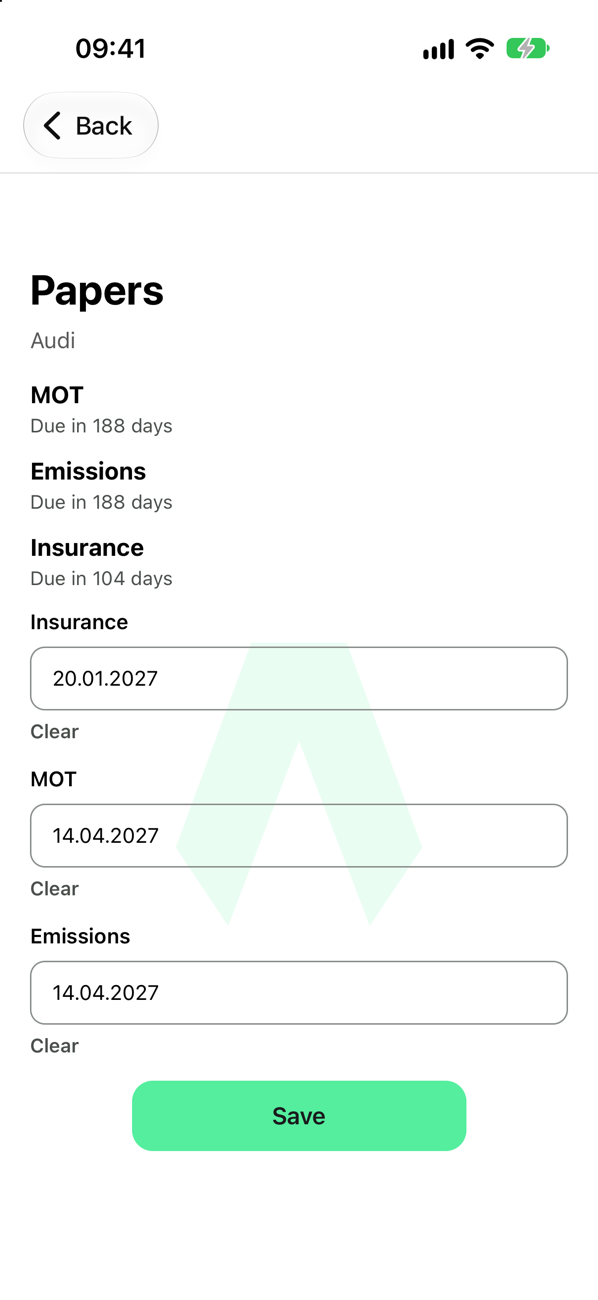
Inspection, emissions and insurance dates in one place, counted down in days.
Everything in one place — cars, logs, fuel, papers, and the assistant.
Keep every car with its mileage, engine and specs. Swipe between cars on the home screen.
Oil, brake fluid, filters, timing belt and more. Set your own interval and Werq counts down to the next one.
Record what was done, where, and what it cost. Photograph a workshop invoice to start a log.
Track fill-ups, consumption and cost per litre. Snap a receipt instead of typing every line.
Technical inspection, emissions and insurance, named the way your country names them.
Alerts on your phone when maintenance is due or overdue.
Ask about your history and what is coming up. Answers use your garage, not a generic car.
Invite someone to a car, to view it or to help keep it up to date.
Sign-in syncs the garage across your devices. Export your history as a spreadsheet file, or delete your account from the app.
English, German, Czech, Spanish and Italian. Kilometres or miles.
Three steps. No spreadsheet.
Make, model, engine, year and mileage. Werq keeps the garage as the source of truth.
Pick the jobs that matter for your car and give each one your own interval. Add the dates from your papers.
Type in fuel and service, or photograph a receipt or invoice and let Werq draft the entry. The countdowns update themselves.